
Tabs on a rail
A thin strip at any side of the window. Pull its edge for names, turn the wheel over it to go through them.
The etyOS browser · Chromium 152 inside
Netbird gives the window to the page. Tabs keep to a thin rail at the side, the address steps aside as you read, and a shield stops advertising before it loads.
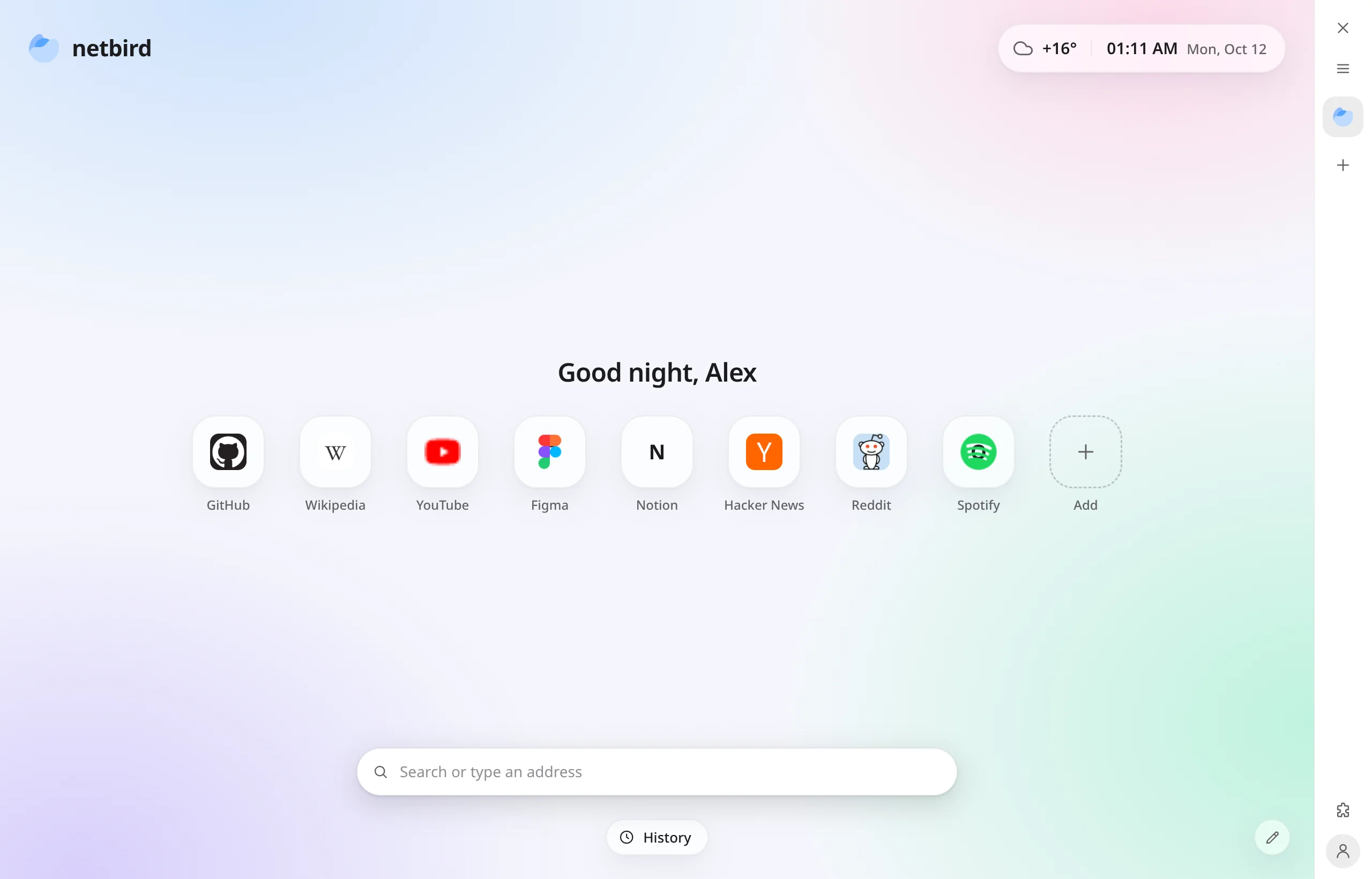
The page has the window
At rest it stands in a band of its own, coloured like the page beside it, so nothing of the page is ever under it. Scroll down and it goes; the page gets the whole height. Scroll up, or touch the edge, and it is back.
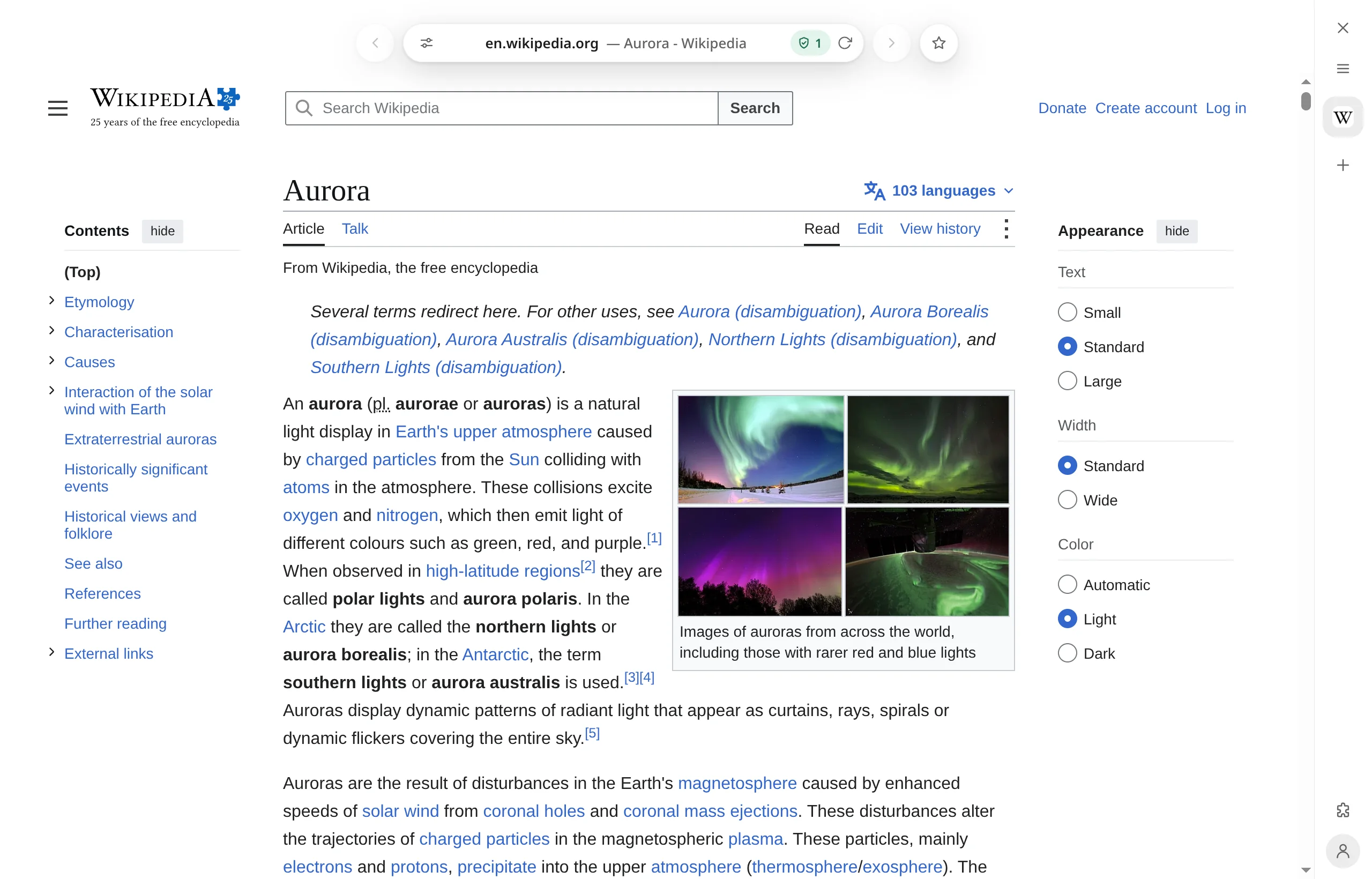
A thin strip at any side of the window. Pull its edge for names, turn the wheel over it to go through them.
The browser reads the page's own edge and paints its band to match. The page does not look cut off.
The window is carried by its top edge. Close, minimise and maximise slide out of one small button.
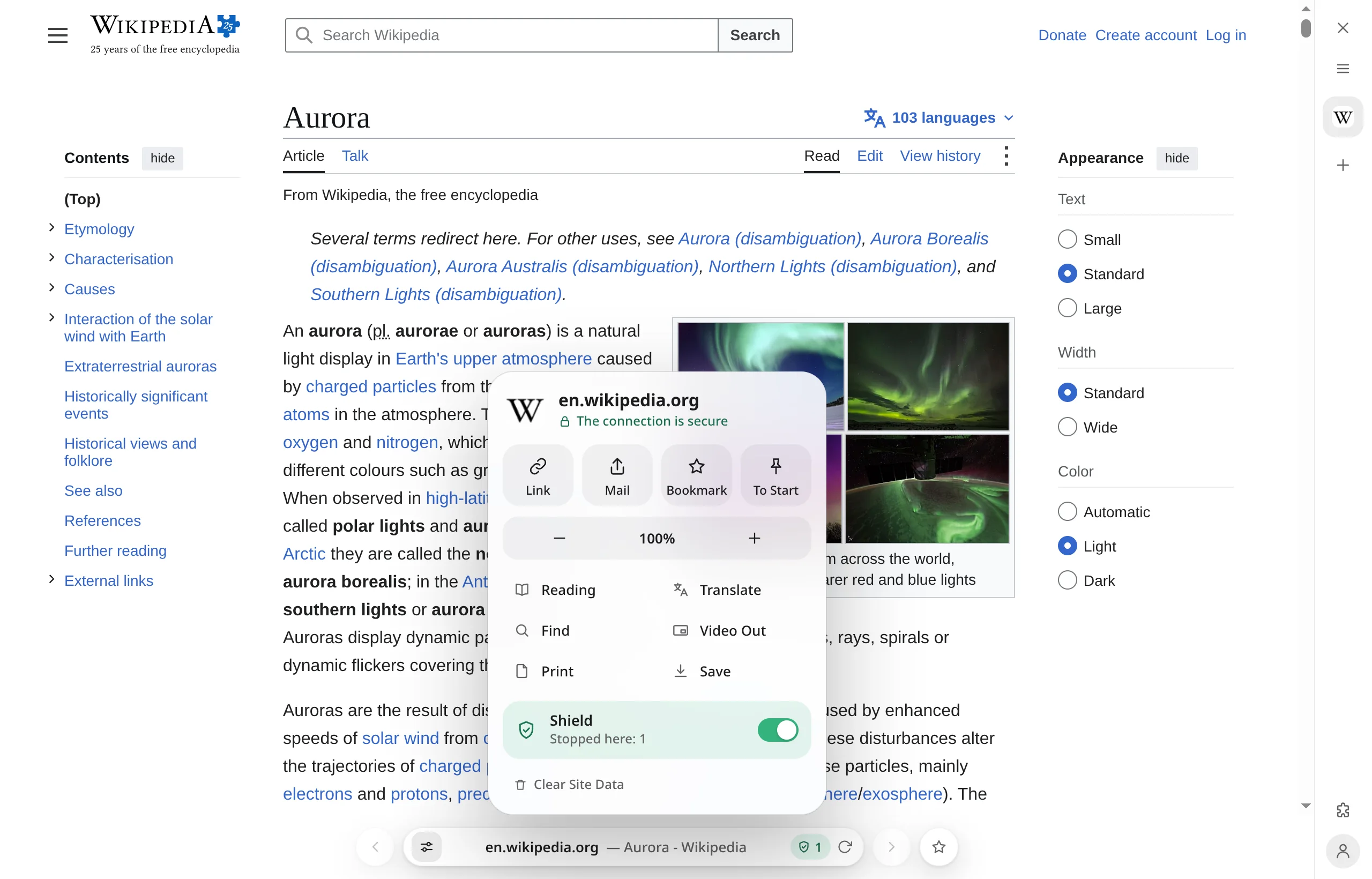
One card per site
Share it, read it without the clutter, translate it, zoom it, see what the shield stopped and what the site may do. One press on the address, no menus to dig through.
Make it yours
Still skies, moving ones, pixel art, or a picture of your own. Pick one below.
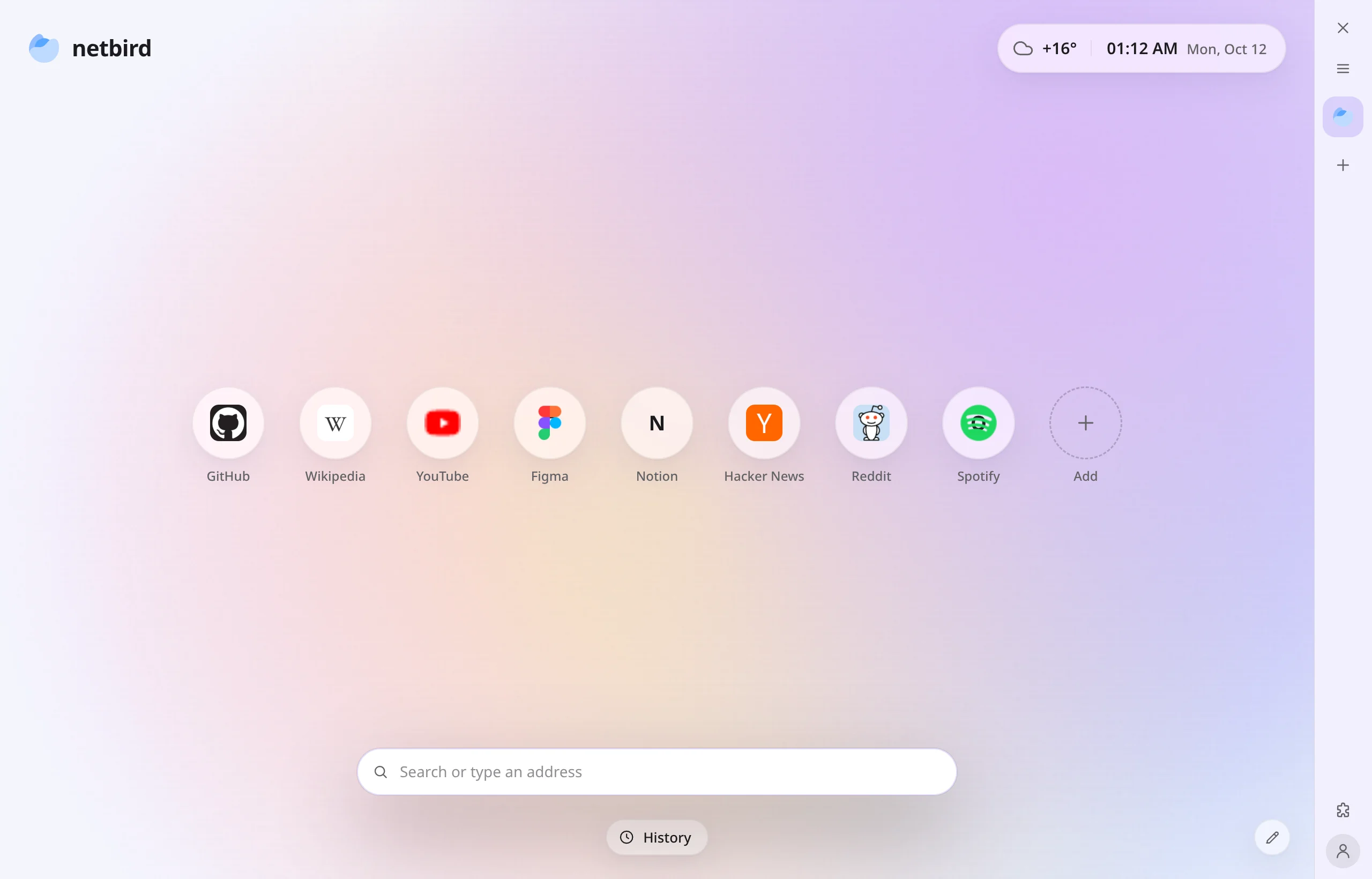
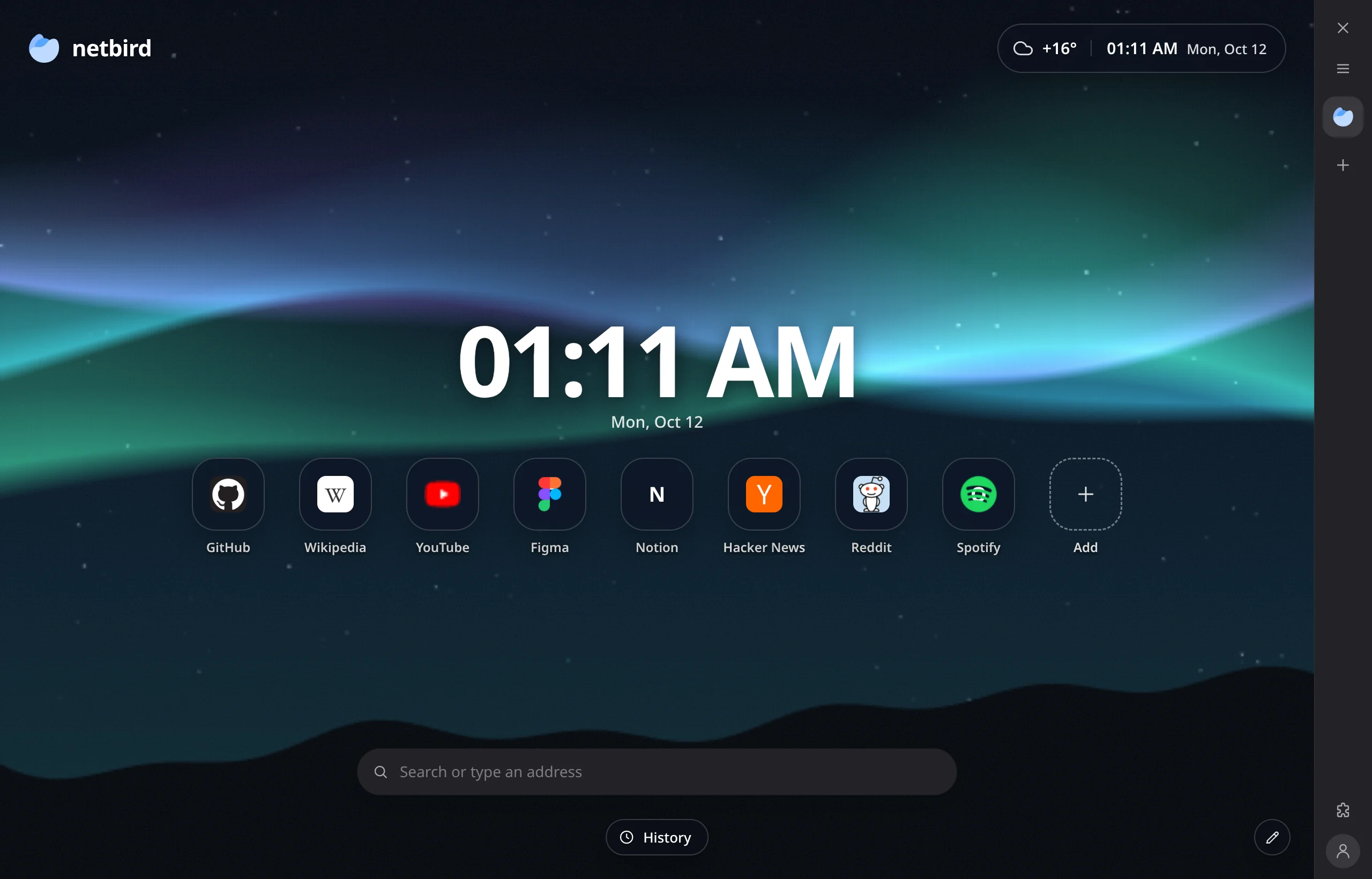
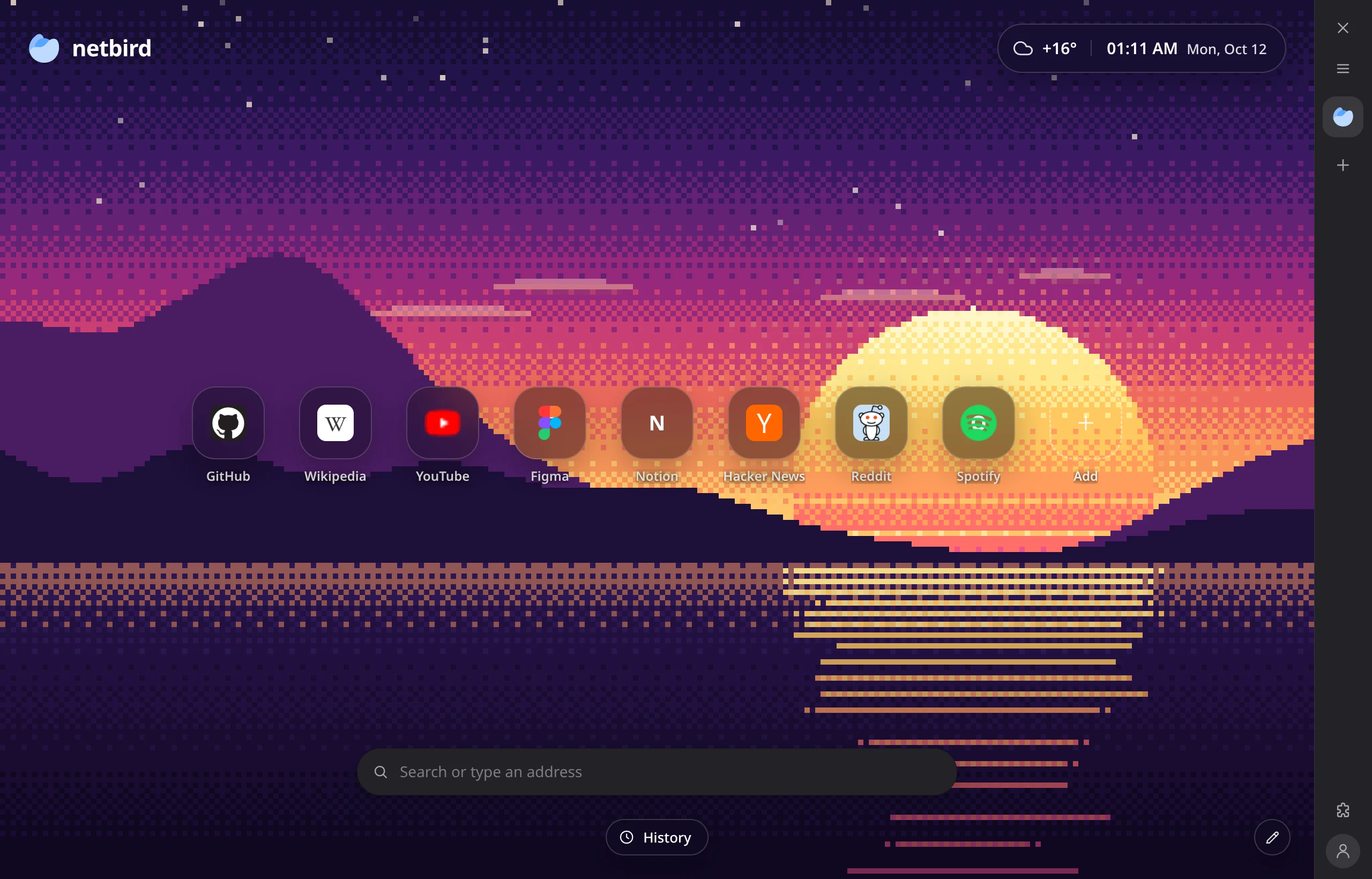
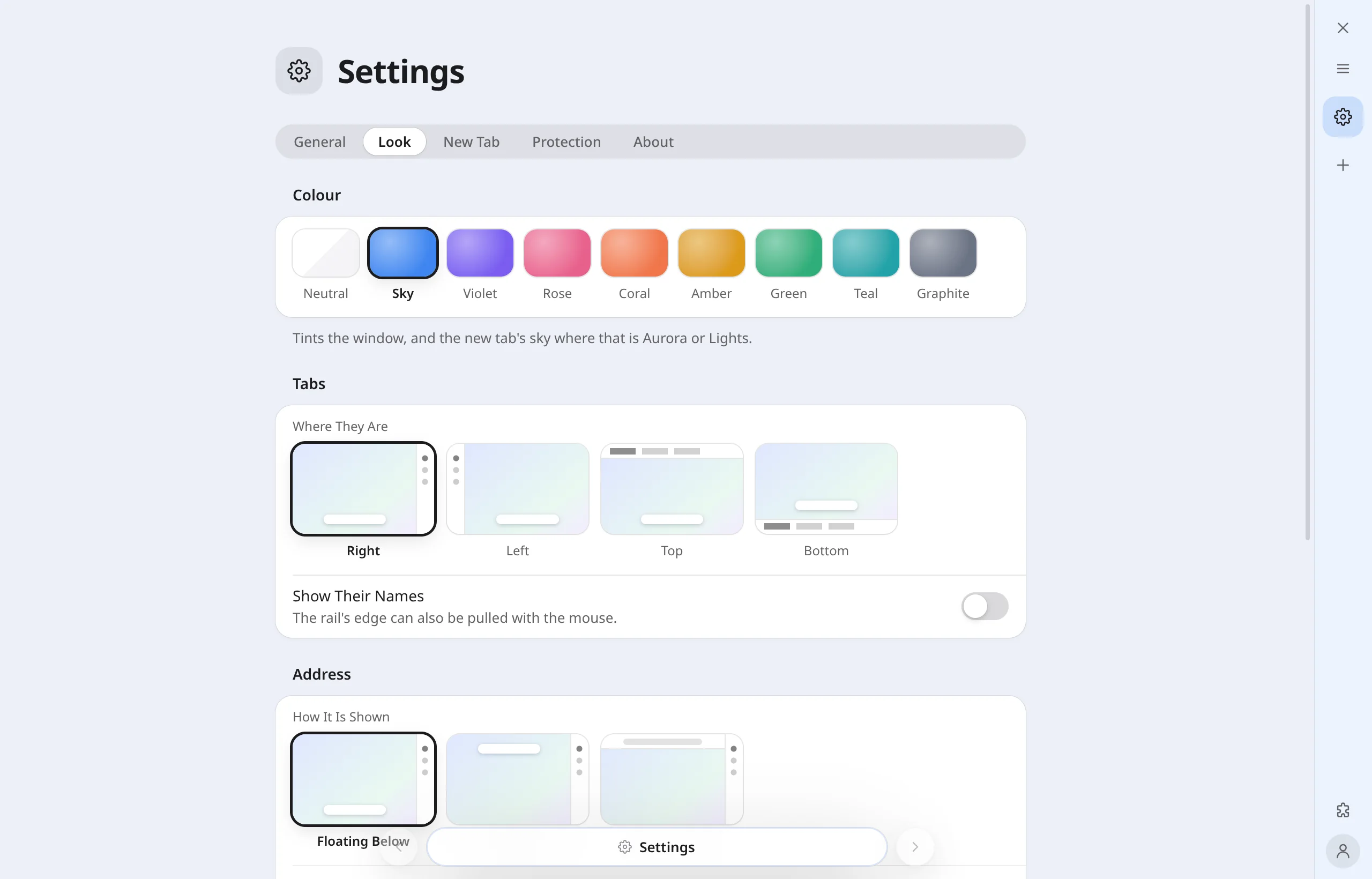
A tint for the rail, the tabs and the sky. Try one: this page takes it too.
What's inside
The things a browser has to have, made to look like one another.
Advertising and trackers are stopped before they load, by the lists other blockers use. A switch per site for the one that breaks.
Kept in the system's keyring, matched to the whole site, with a list when you have more than one account. Bring them from your old browser.
Install them where you always have. Their buttons live at the foot of the rail.
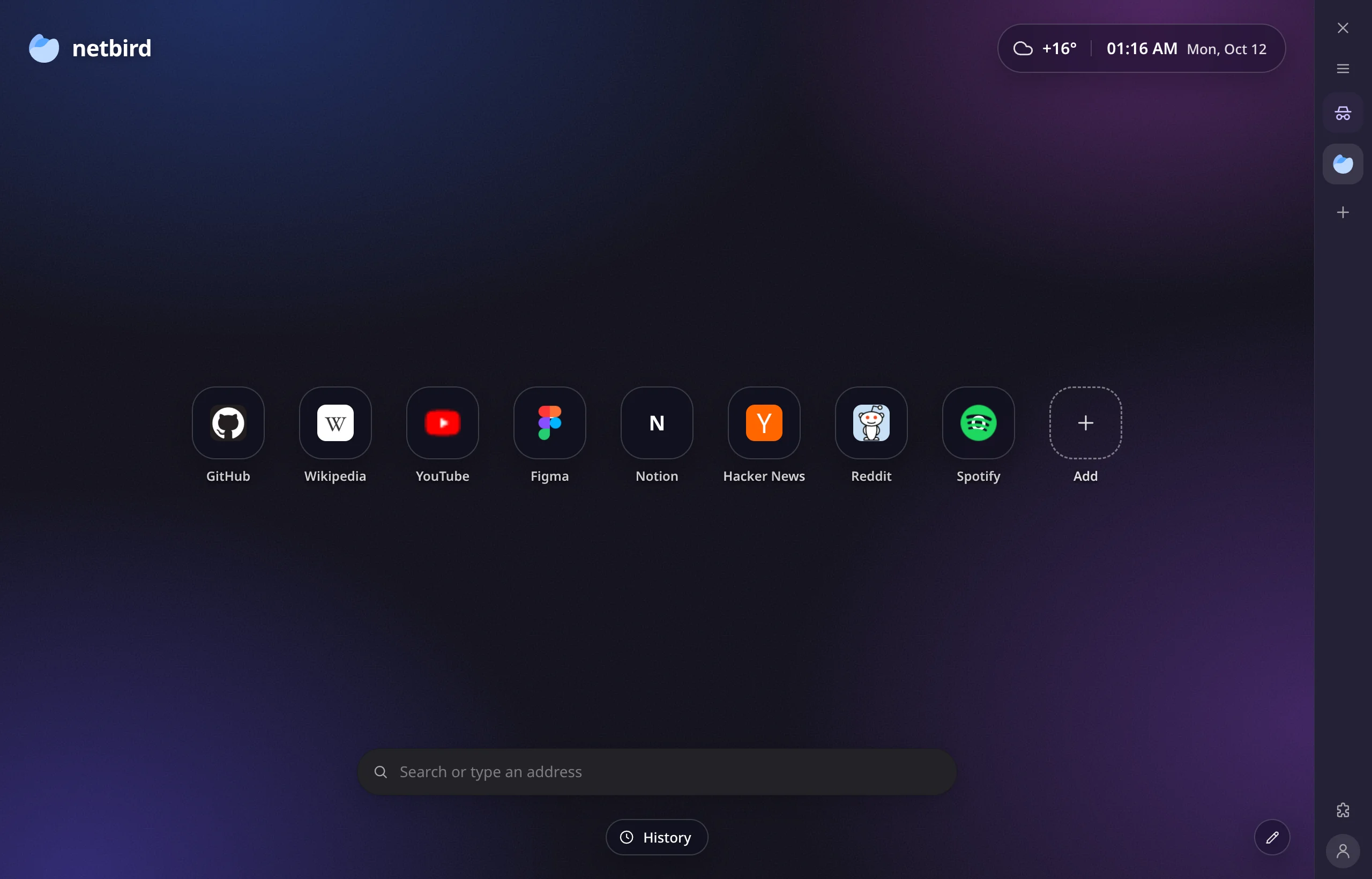
Nothing of what happens in one is written down: no history, no cookies kept, no suggestions sent.
A tab not looked at for forty minutes gives its memory back, and loads again when you return.
Passwords, bookmarks and history from Chrome, Firefox, Vivaldi, Brave, Edge and Opera, in one press.
Camera, microphone, location, notifications: asked once, kept per site, taken back in the settings.
Wayland and X11. The AppImage runs as it is; the package is for Debian, Ubuntu and their kin.
Windows 10 and 11, 64-bit. Unzip and run Netbird.exe. Not signed: Windows will ask before the first start.
macOS 12 and later. Not notarised: the first time, open it with a right click and Open.
Preview builds are made on Linux for systems we have not yet run them on. They may not start; tell us if they do not. Checksums: SHA256SUMS. What changed in this version: changelog. Downloaded times. Statistics